
Uniden Cordless Phone User Guide: An Overview
Uniden cordless systems offer reliable communication, featuring models like the D1484-3 and DECT 17351. This guide details setup, operation, and troubleshooting for optimal performance.
Explore advanced features such as AutoTalk and multi-handset capabilities, ensuring a user-friendly experience with your new cordless telephone.
Uniden has a long-standing reputation for producing quality communication devices, and their cordless phone systems are no exception. These systems represent a significant advancement over traditional landline phones, offering increased mobility and a range of convenient features. Unlike conventional cordless telephones, modern Uniden models, such as the D1484 series and the DECT 17351, incorporate advanced technologies for enhanced performance and user experience.
This guide will walk you through everything you need to know about your Uniden system, from initial setup and basic operation to exploring advanced functionalities like AutoTalk and multi-handset capabilities. Whether you’ve just purchased a new system or are looking to maximize the potential of your existing one, this resource provides comprehensive instructions and helpful tips. Understanding the core principles of your Uniden system will ensure seamless communication and a satisfying user experience. Remember to always prioritize safety precautions when using your telephone equipment.
What’s in the Box?
Upon opening your new Uniden cordless phone system, carefully verify that all components are present. Typically, you should find the base unit with its AC adapter and phone cord, along with one or more handsets, each equipped with a rechargeable battery. The D1484/D1481 series includes an accessory handset and a base with an answering system.
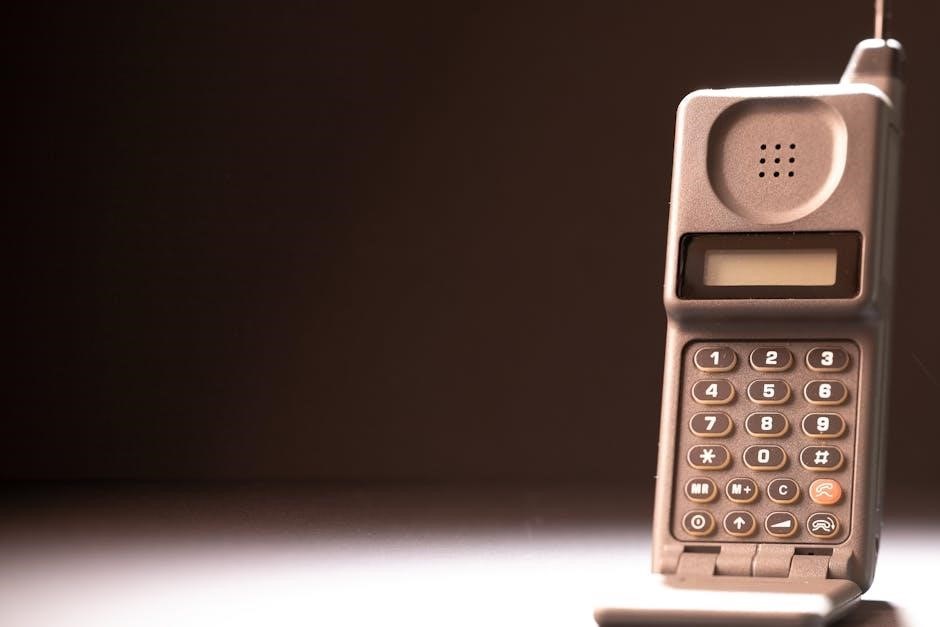
While the exact contents may vary depending on the specific model (like the DECT 17351), a comprehensive package will also include a user manual for detailed instructions. Note that some base units may not have all components pictured in promotional materials. Ensure you have the necessary power cord and batteries as specified in the manual. If any items are missing or appear damaged, contact Uniden customer support immediately for assistance. Proper inventory ensures a smooth setup process.
Initial Setup and Installation
Begin by connecting the base unit to a power outlet using the provided AC adapter and a standard telephone wall jack with the included phone cord. Ensure the cord is securely connected to both the base and the wall. Next, install the rechargeable batteries into the handset(s), observing the correct polarity as indicated in the user manual.
Place the handset(s) on the base unit to initiate charging – this may take several hours for a full charge. During this period, consult the manual to register the handset(s) to the base unit, a crucial step for proper operation. Follow the on-screen prompts or specific key combinations detailed in the guide. Once charged and registered, your Uniden cordless phone is ready for use.

Understanding Your Uniden Cordless Phone
Uniden phones boast features like AutoTalk, multi-handset support, and clear audio. Familiarize yourself with handset controls and base unit connections for optimal use.
Key Features and Benefits
Uniden cordless phones deliver a blend of convenience and reliability, enhancing your home communication experience. A standout feature is AutoTalk, allowing hands-free call answering simply by lifting the handset from the base – eliminating the need to press a talk button.
Multi-handset operation expands connectivity throughout your home, enabling seamless communication for multiple users. Caller ID compatibility keeps you informed of incoming calls, while call waiting functionality ensures you never miss important conversations.
These phones prioritize safety with precautions against electrical storms and proper power cord usage. The systems are designed for ease of use, offering intuitive controls and straightforward setup. Enjoy clear audio quality and dependable performance, making Uniden a trusted choice for home telephony. Furthermore, the systems are designed to be different from conventional cordless telephones.
Handset Overview & Controls
The Uniden handset is ergonomically designed for comfortable use. Key controls include dedicated call answer/end buttons for initiating and terminating calls. A numeric keypad facilitates easy dialing, while navigation buttons allow access to menu options and features.
A long press of a designated button typically returns the handset to idle mode. Volume control adjusts the audio level during calls, ensuring clear communication. Many models feature a speakerphone function for hands-free conversations.
The handset’s display provides essential information, including caller ID, call duration, and battery status. Understanding these controls allows for efficient operation of your cordless phone. Refer to your specific model’s manual for detailed illustrations and explanations of each button’s function. Proper handling ensures optimal performance and longevity.
Base Unit Overview & Connections
The Uniden base unit serves as the central hub for your cordless phone system. It houses the charging cradle for the handset and connects to the telephone line via a standard phone cord. A power adapter provides the necessary electricity for operation.
Essential connections include the phone line input and the power adapter port. Some models may also feature a dedicated port for an additional handset or a connection for an answering system. Proper connection of these components is crucial for functionality.
The base unit typically includes indicator lights displaying power status, line status, and charging status. Ensure the base unit is placed on a stable surface, away from excessive moisture or direct sunlight. Refer to your model’s manual for specific connection diagrams and troubleshooting tips.

Operating Your Uniden Cordless Phone
Uniden phones facilitate easy call making and receiving, alongside a robust answering system. Utilize features like call waiting and caller ID for enhanced communication control.
Making and Receiving Calls
Making Calls: To initiate a call with your Uniden cordless phone, simply lift the handset from the base unit. You will hear a dial tone, indicating the system is ready. Enter the desired phone number using the keypad, and press the ‘Talk’ or ‘Send’ button to connect the call. Ensure the number is entered correctly before initiating the connection. For speed dialing, refer to the programming section of this guide.
Receiving Calls: When a call is received, the phone will ring, and the caller ID (if subscribed to the service) will be displayed on the handset screen. To answer the call, lift the handset from the base. Alternatively, some models support answering calls directly from the base unit. To end a call, simply return the handset to the base or press the ‘End’ or ‘Redial’ button. The AutoTalk feature allows answering by simply lifting the handset.
Remember to check the battery level during calls for uninterrupted communication. Poor audio quality may indicate signal interference; try relocating the base unit.
Using the Answering System
Your Uniden cordless phone’s answering system allows you to record and retrieve messages when you are unavailable. To activate the answering system, press the ‘Answer’ button on the base unit. Follow the voice prompts to record your outgoing message. Ensure your message is clear and concise, providing essential information for callers. The system’s memory capacity determines the number of messages it can store.
To listen to new messages, press the ‘Play’ button on the base. The system will automatically play any new messages. You can fast-forward or rewind through messages using the corresponding buttons. To delete messages, press the ‘Delete’ button after each message or all at once after playback. Regularly check and clear your messages to maximize storage.
Adjust the recording volume for optimal clarity. Refer to the programming section for customization options.
Call Waiting and Caller ID
Your Uniden cordless phone supports both Call Waiting and Caller ID features, enhancing your call management capabilities. With Call Waiting activated through your service provider, you’ll receive a beep during an ongoing call to indicate an incoming call. Press the ‘Flash’ button to answer the second call and put the first on hold.
Caller ID displays the caller’s name and/or number on the handset screen before you answer. This allows you to screen calls and avoid unwanted interruptions. To review recent calls, access the call log via the handset’s menu. The call log stores a history of incoming, outgoing, and missed calls.
Ensure your service provider supports these features for optimal functionality. Programming options allow customization of Caller ID display settings.
Advanced Features & Settings
Uniden phones offer AutoTalk, AutoStandby, and multi-handset operation for convenience. Customize settings through the handset menu to personalize your calling experience and preferences.
AutoTalk and AutoStandby Functionality
Uniden cordless phones boast innovative features like AutoTalk and AutoStandby, designed to streamline your calling experience. AutoTalk allows you to effortlessly answer incoming calls simply by lifting the handset from the base unit – no need to press any buttons! This hands-free answering capability is incredibly convenient, especially when your hands are full.
Complementing AutoTalk is the AutoStandby function. When you replace the handset back onto the base after a call, the phone automatically enters standby mode, conserving battery power and ensuring it’s ready for the next call. This eliminates the need to manually power down the handset, contributing to extended battery life.
These features work seamlessly together, providing a user-friendly and efficient communication solution. They represent Uniden’s commitment to simplifying cordless phone operation and enhancing user convenience. Enjoy the freedom and ease of use that AutoTalk and AutoStandby provide!
Multi-Handset Operation
Uniden multi-handset cordless systems offer enhanced flexibility and convenience for larger households or businesses. These systems allow you to connect multiple handsets to a single base unit, enabling simultaneous calls and wider coverage throughout your space. Each handset functions independently, offering private conversations without interrupting others.
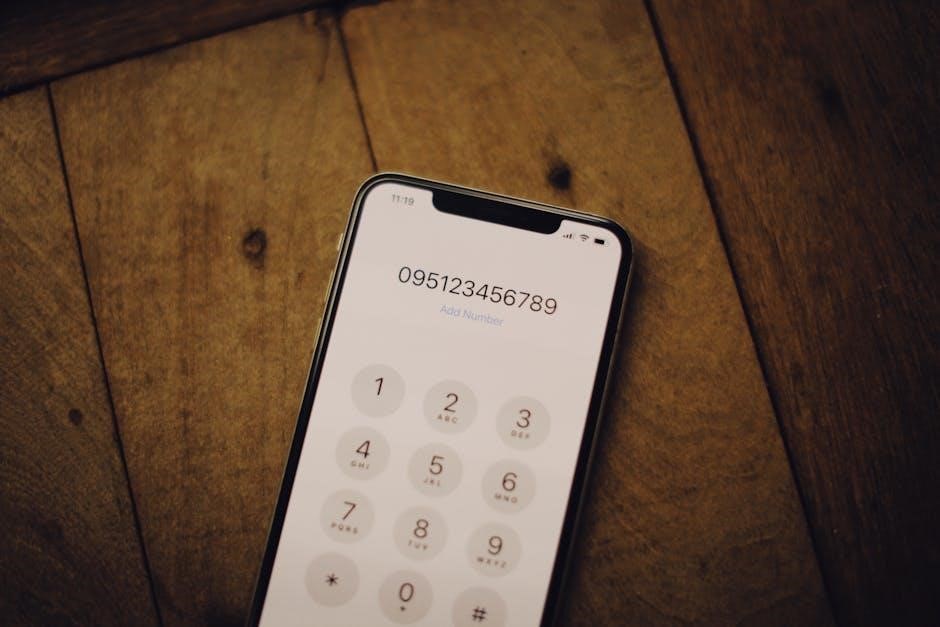
Adding handsets is typically a straightforward process, involving registration with the base unit. Refer to your specific model’s manual for detailed instructions. Once registered, each handset enjoys full access to all phone features, including the answering system and caller ID.
This functionality is particularly useful for families needing to manage multiple calls or for businesses requiring efficient internal communication. Uniden multi-handset systems provide a scalable and cost-effective solution for expanding your communication capabilities. Enjoy the freedom and connectivity of a multi-handset system!
Programming and Customization
Uniden cordless phones offer a range of programming options to personalize your calling experience. Customize features like ringtones, volume levels, and call barring to suit your preferences. Many models allow you to store frequently dialed numbers in the phonebook for quick access, streamlining your calls.
Programming typically involves navigating the phone’s menu using the handset’s keypad. Consult your user manual for specific instructions on accessing and modifying settings. You can often customize the display, set date and time, and adjust the answering system’s greeting message.
Explore options for call waiting and caller ID display settings to manage incoming calls effectively. Uniden provides intuitive menus, allowing you to tailor the phone’s functionality to your individual needs. Take advantage of these features to create a truly personalized communication system!
Troubleshooting Common Issues
Uniden cordless phone problems like no dial tone, poor audio, or battery issues are easily addressed. Refer to this section for quick fixes and solutions.
Ensure proper connections and battery replacement for optimal performance, resolving common user concerns efficiently.
No Dial Tone
Experiencing no dial tone with your Uniden cordless phone? Several factors could be the cause. First, verify the base unit is properly connected to a working telephone jack. Ensure the power adapter is securely plugged into both the base unit and a functioning electrical outlet.
Check the handset battery charge; a low battery can sometimes mimic a lack of dial tone. Try charging the handset for at least 15 minutes and then retesting. Confirm that the handset is correctly placed on the base unit’s charger.
If using an extension cord, try plugging the base unit directly into the wall. Also, disconnect any other devices connected to the same telephone line to rule out interference. If the problem persists, test a different telephone in the same jack to confirm the issue isn’t with your phone service provider. Finally, consult the user manual for specific reset instructions for your Uniden model.
Poor Audio Quality
Is the audio on your Uniden cordless phone sounding distorted or faint? Several issues can contribute to poor call quality. First, check the distance between the handset and the base unit; excessive distance can weaken the signal. Ensure there are no obstructions, like thick walls or metal objects, interfering with the wireless connection.
Interference from other electronic devices – microwaves, wireless routers, or other cordless phones – can also cause static or dropped calls. Try relocating the base unit away from these potential sources. Verify the handset’s volume is set to an appropriate level.
If the problem persists, try resetting both the handset and the base unit according to the instructions in your user manual. A faulty battery can sometimes cause audio issues; ensure the handset battery is fully charged. If using a landline, confirm there are no issues with your phone service provider.
Battery Issues & Replacement
Experiencing short talk times or a handset that won’t hold a charge? Your Uniden cordless phone’s battery may need attention. Typical symptoms include a rapid decrease in battery life, the handset not powering on, or displaying a low battery warning frequently. Only use the specified battery type recommended in your user manual – using incorrect batteries can damage the handset.
To maximize battery life, avoid leaving the handset on the base unit constantly when not in use. Fully discharge the battery before the first charge, and then follow the charging instructions carefully. When replacing the battery, ensure proper polarity alignment.
Dispose of old batteries responsibly, following local regulations. A new battery should restore normal talk and standby times; if issues persist after replacement, consult the troubleshooting section or contact Uniden support.

Safety Precautions & Warnings
Important safety guidelines must be followed when using your Uniden cordless phone. Avoid using the telephone during electrical storms to minimize the risk of shock from lightning. Do not attempt to repair the unit yourself; refer servicing to qualified personnel. Use only the provided power cord and specified batteries to prevent damage and potential hazards.
Never use the phone to report a gas leak while in the vicinity of the leak. Keep the phone dry and away from liquids. Avoid placing the phone near heat sources or in direct sunlight. Do not dispose of batteries in fire, as they may explode.
Follow all local regulations for battery disposal. This device complies with safety standards; however, responsible usage is crucial for safe operation and longevity.